
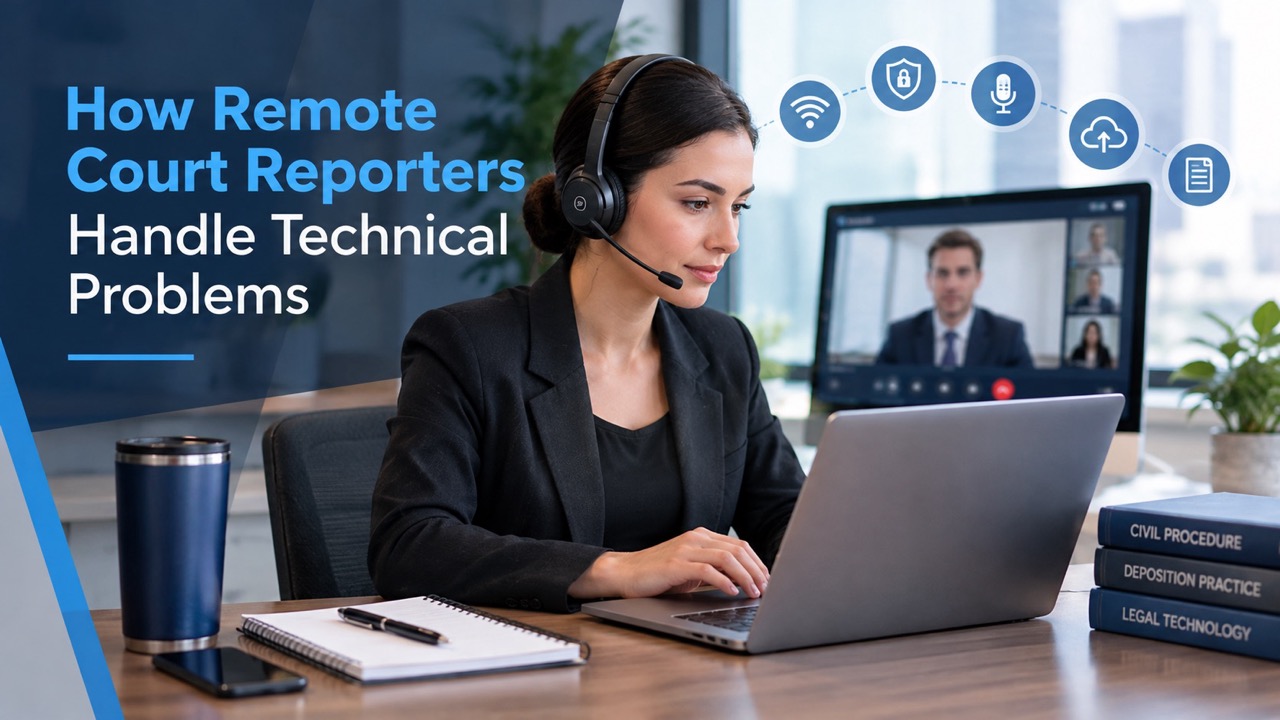
How Remote Court Reporters Handle Technical Problems
The witness freezes mid-answer. Opposing counsel’s audio cuts out during an objection. Someone’s Wi-Fi drops right before a key question. Remote depositions save travel time, but they add new risks to the record. Remote court reporters plan for these moments before anyone takes the oath. They rely on backup tools, clear procedures, and professional ethics rules to protect each word. This guide walks through the toolkit reporters use and the steps they take when technology fails. You will also get a checklist for your next session. A strong remote record still depends on preparation from every participant, not just the reporter.
Why a Small Glitch Can Threaten the Record
Under Federal Rule of Civil Procedure 30(b)(4), parties may stipulate to a remote deposition. A court may also order one on motion. The rule treats the deposition as taking place where the witness answers. That detail can affect which rules govern the oath and the officer. State requirements differ, so check your local rules. A remote format does not lower the standard for the record. A missed answer or garbled objection can weaken the transcript. Transcript errors can also spark disputes later in the case. Remote court reporters treat each audio gap as a risk. Their job is to catch it, flag it, and fix it before testimony moves on.
The Remote Reporter’s Toolkit
A professional remote setup looks simple on screen. Behind it sits a layered system built for failure. Remote court reporters assume something will break and plan a backup for each weak point. Internet, audio, platform controls, and exhibits each get their own safety net. The goal is clear: no testimony slips through a technical gap. Here are the core tools that keep a remote record intact.
Redundant Internet Connections
A dropped connection is the most common remote deposition problem. Experienced reporters plug into a wired Ethernet line instead of relying on Wi-Fi alone. Many keep a mobile hotspot ready as a second path. If the main line fails, they can switch over within moments. Some also keep a phone ready to dial into the meeting for audio. This layered approach keeps the reporter connected when one network fails. Attorneys and witnesses benefit from the same habit. Ask every participant to hardwire their computer when possible. Stable connections on all sides mean fewer interruptions and read-back requests.
Backup Audio Recording
Many reporters run a separate audio recorder alongside their primary capture tools. This backup helps them check unclear words while preparing the transcript. NCRA ethics guidance says reporters must follow local, state, and federal rules when using backup audio. The guidance treats backup audio as the reporter’s working tool. Absent a court order, a reporter has no ethical duty to hand it over. If a reporter does share it, the reporter keeps the original. The reporter also screens out off-the-record talk and offers copies to all parties. Ask about backup audio practices before the deposition starts. Clear expectations prevent disputes later.
Platform Host Controls
Zoom and similar platforms give the host strong control over the session. Waiting rooms admit only authorized participants. Hosts can mute background noise, manage screen sharing, and open breakout rooms for private attorney conferences. Pinning the active speaker helps the reporter follow who is talking. Host controls also prevent accidental endings. If the host leaves without passing control, the meeting may close for everyone. CourtScribes supports remote court appearances on Zoom for attorneys and judges. Before any remote deposition, confirm who will host the meeting. Also confirm who controls any platform recording, since recording rules differ by court.
Professional Audio Gear
Clear audio matters more than clear video. A reporter can work with a blurry image but not with muffled words. Reporters use quality headsets to isolate voices and block room noise. Many also monitor audio levels to catch problems early. They ask participants to use headphones with microphones instead of laptop speakers. Laptop speakers can create echo and feedback loops. When a participant’s audio fails, a phone dial-in often restores sound quickly. That person can keep video on the computer and audio on the phone. Small gear choices like these cut the number of times a reporter must interrupt testimony.
Speech-to-Text and AI Support Tools
Technology can help reporters spot trouble before it reaches the final transcript. Speech-to-text software creates a working draft as people speak. Gaps or garbled phrases in that draft can signal an audio problem worth flagging. Synchronized audio lets editors return to the exact moment of a disputed word. CourtScribes builds its court reporting services around speech-to-text technology and AI-powered court reporting. These tools support human judgment rather than replace it. A reporter still decides when to pause, request a repeat, or note an issue on the record. That combination helps produce a cleaner final transcript.
Secure Exhibit Sharing
Exhibits cause their own remote headaches. A shared screen may freeze, or a witness may see a different page. Many teams send exhibits ahead of time in password-protected files. Others use screen sharing or secure file platforms during the deposition. Reporters track each exhibit number and confirm that everyone views the correct document. After the deposition, CourtScribes stores transcripts, exhibits, and videos in its Private Online Repository, sorted by case. You can order transcripts with exhibits in PDF, TIFF, or JPG format. Organized exhibits mean fewer pauses and fewer questions about what the witness saw.
What Happens When the Connection Drops
A connection drop does not have to damage the record. Trained reporters follow a set routine the moment audio or video fails. Speed matters, but accuracy matters more. The first priority is to stop testimony before anyone answers into silence. Once everyone reconnects, the record must show what happened and when. Here is the typical sequence a remote reporter follows during an outage:
- Stop the testimony. The reporter interrupts and asks counsel to pause questioning.
- Note the time. The reporter records when the disruption began and ended.
- Go off the record only by agreement. Off-the-record breaks generally require consent from all counsel.
- Reconnect through a backup path. A hotspot, phone dial-in, or new meeting link restores access.
- Announce the disruption. NCRA guidance says reporters should notify the parties after reconnecting.
- Repeat lost testimony. Counsel restates the question so the witness answers again on the record.
- Read back when needed. The reporter reads the last captured question and answer to confirm the gap.
Handling Lag, Crosstalk, and Frozen Video
Not every problem is a full disconnect. Audio lag causes speakers to talk over each other without realizing it. Remote court reporters handle crosstalk by asking participants to pause and speak one at a time. Frozen video can hide a witness’s gestures. The reporter may then ask for spoken answers instead of nods. If a participant’s audio turns choppy, turning off their video often frees bandwidth for sound. Background noise gets muted through host controls. When a word is unclear, a careful reporter asks for a repeat instead of guessing. These brief interruptions protect the record. A clean pause now prevents a disputed transcript later.
Your Pre-Deposition Tech Checklist
Remote court reporters can solve many problems, but they work best with prepared participants. A five-minute tech check can prevent an hour of disruption. Counsel set the tone by sharing instructions early. Agreeing on procedures before the witness is sworn avoids arguments mid-session. Witnesses also need clear guidance, since many have never testified on video. Use this checklist before your next remote deposition:
- Confirm the stipulation or order. Make sure the remote format follows your court’s rules.
- Run a test session. Check audio, video, and screen sharing with the reporter beforehand.
- Share a backup plan. Give everyone a phone dial-in number and a backup contact.
- Hardwire connections. Ask participants to use Ethernet instead of Wi-Fi when possible.
- Send exhibits early. Distribute password-protected files and confirm the numbering.
- Agree on outage procedures. Decide in advance how the record resumes after a drop.
- Set speaking rules. Remind everyone to pause, mute, and avoid talking over others.
- Stay after testimony ends. The reporter may need spellings, transcript orders, and signature decisions.
Keep Your Remote Record Strong With CourtScribes
So, how do remote court reporters handle technical problems? They plan for failure, use backup tools, and follow clear procedures when something breaks. The right reporter turns a dropped call into a short pause instead of a damaged record. CourtScribes brings speech-to-text technology, AI-powered court reporting, and Zoom-based remote support to your proceedings. Your transcripts, exhibits, and videos stay organized in a secure online repository with 24/7 access. Planning a remote deposition? Call 833-SCRIBES (727-4237) or schedule your remote deposition today. Our team will help you set up the session and protect your testimony from start to finish.
 Toll-Free: 833-SCRIBES
 scheduling@courtscribes.com
billing@courtscribes.com