
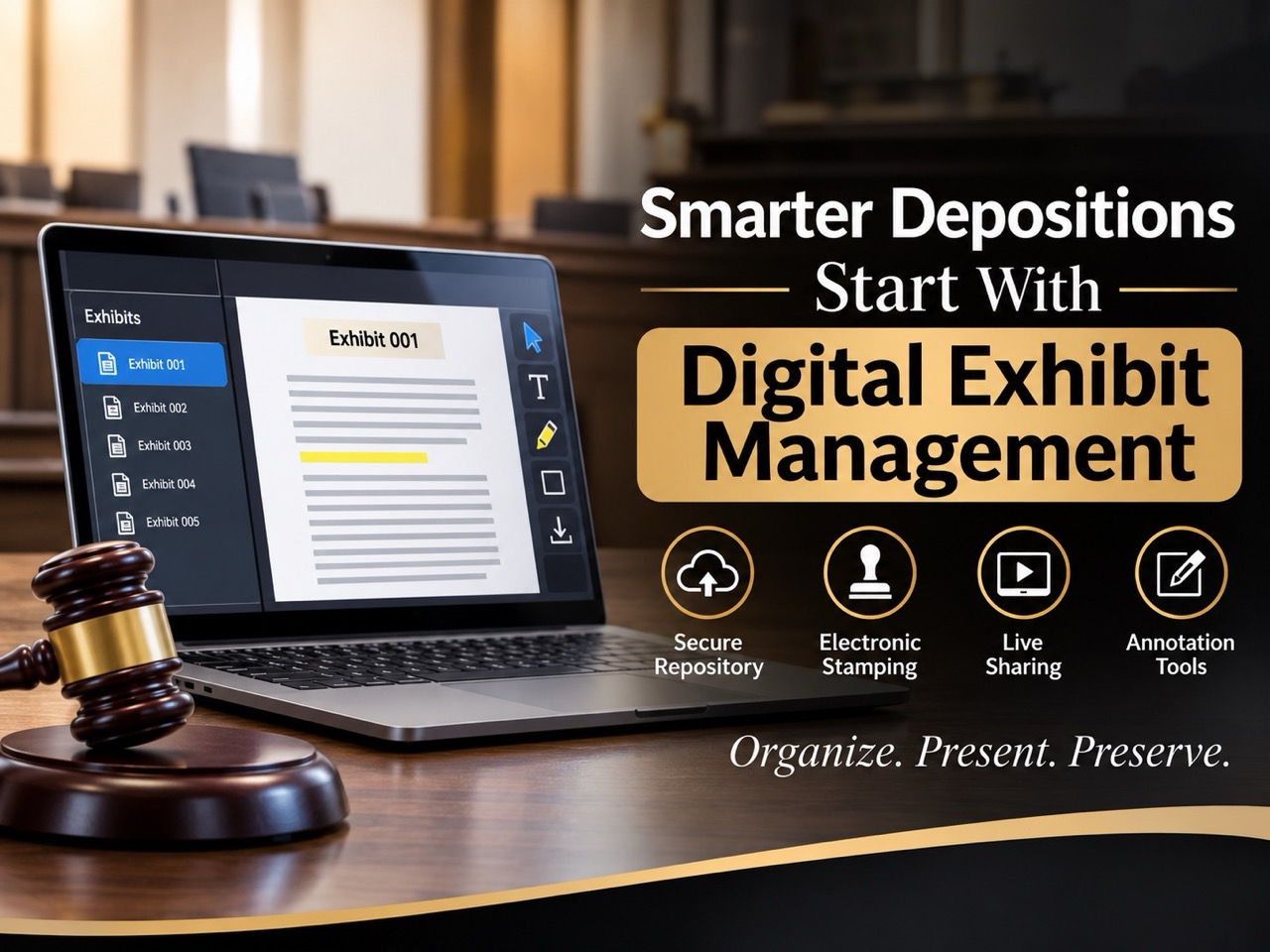
Smarter Depositions Start With Digital Exhibit Management
A deposition can stall over a single missing page. Someone flips through a binder. Opposing counsel asks for a copy. The witness waits. Paper exhibits create these small delays, and they add up over a long day. Digital exhibit management replaces that friction with a clear, shared workflow. Every exhibit lives in one secure place. Each party sees the same page at the same moment. The court reporter marks and logs each document in real time. This guide walks through the tools that make this possible. You will see how each tool works, what problems it solves, and how it supports the rules that govern depositions.
Why Paper Exhibits Slow Depositions Down
Paper exhibits demand a lot of handling. Staff print several sets for every party. Someone ships boxes to the deposition site. Late changes force a new round of copies. In remote depositions, paper fails outright because attendees sit in different cities. Mistakes also creep in. A page goes missing, or two parties hold different versions. The record then needs extra cleanup after the session ends. Court Scribes covers these risks in its guide on managing deposition exhibits during remote proceedings. A digital workflow cuts out printing, shipping and version confusion. It gives the team more time to focus on testimony.
Core Tools Behind Digital Exhibit Management
Digital exhibit management is not one product. It is a set of tools that work together. Each tool handles one stage of the exhibit’s life. Upload comes first. Marking, presenting and annotating follow. Some firms use a single platform for all four. Others combine separate tools. Either way, the goal stays the same. Every party should see the right document at the right time. Here are the four tools that carry most of the load.
Cloud Exhibit Repositories
A cloud repository is the home base for every exhibit. Counsel uploads files before the deposition. The platform stores them by case, witness and date. Authorized users open them from any device. Strong platforms use encryption and password protection. Many also let you set expiring links for outside parties. Court Scribes offers clients free, secure, 24/7 online access to their transcripts and exhibits, sorted by case. That means the record stays reachable long after the deposition ends. A central repository also stops the “which version is this?” problem. Everyone pulls from the same source file, so the record matches what the witness saw.
Electronic Exhibit Stamping
Stamping software applies an exhibit number to a digital file. It works like a physical sticker, but faster. Many tools let you pre-mark exhibits before the session. Others let the court reporter stamp each file as counsel introduces it. The stamp shows the exhibit number, the witness name and sometimes the date. Clear numbering keeps the transcript easy to follow. Readers can match each reference in the testimony to the right document. This matters for motions and trial prep months later. Consistent stamps also reduce disputes over which document a witness actually reviewed. The result is a cleaner, more reliable record for every party.
Live Screen Sharing Platforms
Screen sharing puts the exhibit in front of everyone at once. Counsel opens the file, shares the screen and walks the witness through it. Video platforms such as Zoom make this simple for remote and hybrid sessions. Court Scribes uses Zoom for its remote depositions and remote court appearances. Screen sharing removes the wait for paper copies. It also keeps attention on the same page and the same line. Good practice calls for a quick test before the witness joins. Check that the file opens, the text reads clearly and every attendee can see it. A short rehearsal prevents awkward pauses on the record.
Annotation and Highlighting Tools
Annotation tools let counsel or the witness mark up an exhibit live. A witness can circle a signature, highlight a clause or point to a spot on a map. These marks show exactly what the witness meant. Plain words can leave room for doubt. A visual mark removes it. Most tools save the annotated version as a separate file. That copy then becomes its own exhibit with its own number. This approach keeps the original document intact. It also gives the court a clear picture of the testimony. Lawyers should agree on annotation rules before the session to avoid objections later.
Tools That Protect the Record
A clean record is the true value of any deposition. Exhibits play a big part in that record. If a file goes missing or changes, its value drops. The right tools protect each document from upload to final transcript. They also make review faster for attorneys and judges. Court Scribes supports this stage with transcript ordering and secure online access. These supporting tools help keep your exhibits accurate and easy to find:
- Video-to-text synchronization: This tool links the video to the written transcript. You can click a line and jump to the exact moment on screen. Court Scribes lists it among its deposition services
- Searchable PDFs: Text recognition turns scanned pages into searchable files. You can find a name or date in seconds.
- Audit trails: Many platforms log who uploaded, opened or changed a file. These logs help you show where a document came from.
- Access controls:Permission settings decide who can view, download or share each exhibit. This protects sensitive client data.
- Exhibit indexes: An index lists every exhibit by number, title and witness. It gives readers a quick map of the record.
What the Rules Say About Exhibits
Digital tools must still follow the rules. Under Federal Rule of Civil Procedure 30(f)(2) deposition documents must be marked and attached on a party’s request. Electronic stamping and indexing make that step simple. Rule 30(b)(4) also lets parties stipulate, or the court order, a deposition by remote means. For that rule, the deposition takes place where the deponent answers. Evidence rules matter too. Federal Rule of Evidence 901 requires proof that an item is what its proponent claims. Audit logs and clear exhibit numbers can support that showing. State and local rules may add their own steps, so check them before each case.
Tech Competence and Client Confidentiality
Lawyers carry ethical duties when they use technology. Comment 8 to ABA Model Rule 1.1 asks lawyers to understand the benefits and risks of relevant technology. Most states have adopted some version of this duty. ABA Model Rule 1.6(c) adds another layer. It asks lawyers to make reasonable efforts to prevent unauthorized disclosure of client information. Exhibits often hold medical records, financial data or trade secrets. A secure platform with encryption and access controls helps meet these duties. Lawyers should still review each vendor’s security practices. They should also confirm that the tools fit their state’s ethics rules before they upload sensitive files.
A Quick Tool Checklist Before Your Next Deposition
Good tools only help when the team prepares them well. A short check the day before can prevent most technical problems. It also gives opposing counsel and the court reporter time to raise concerns. Digital exhibit management works best when every party knows the plan in advance. Share the platform name, the login steps and the exhibit list early. Use this checklist to confirm your setup before the witness takes the oath:
- Upload early: Place every exhibit in the repository at least a day ahead.
- Pre-mark files: Assign exhibit numbers so the reporter can log them fast.
- Test screen sharing: Open two or three exhibits on the platform you plan to use.
- Set permissions: Decide who can view, download or annotate each file.
- Plan for hidden exhibits: Keep impeachment documents private until you need them.
- Confirm the stipulation: Put any remote deposition terms in writing before the session.
Smarter Depositions Start With Digital Exhibit Management
The right tools turn exhibits from a burden into an asset. Repositories hold the files. Stamping keeps them numbered. Screen sharing puts them in front of every attendee. Annotation captures what the witness meant. Supporting tools protect the record for later review. Together, they help depositions run with fewer delays and fewer disputes. Court Scribes brings these pieces together with remote deposition support, legal videography and secure online access to transcripts and exhibits. Its team can help you plan the exhibit workflow before your next session. When you are ready, you can schedule your deposition online. You can also reach the team directly using the details below.
📞 Toll-Free: 833-SCRIBES