
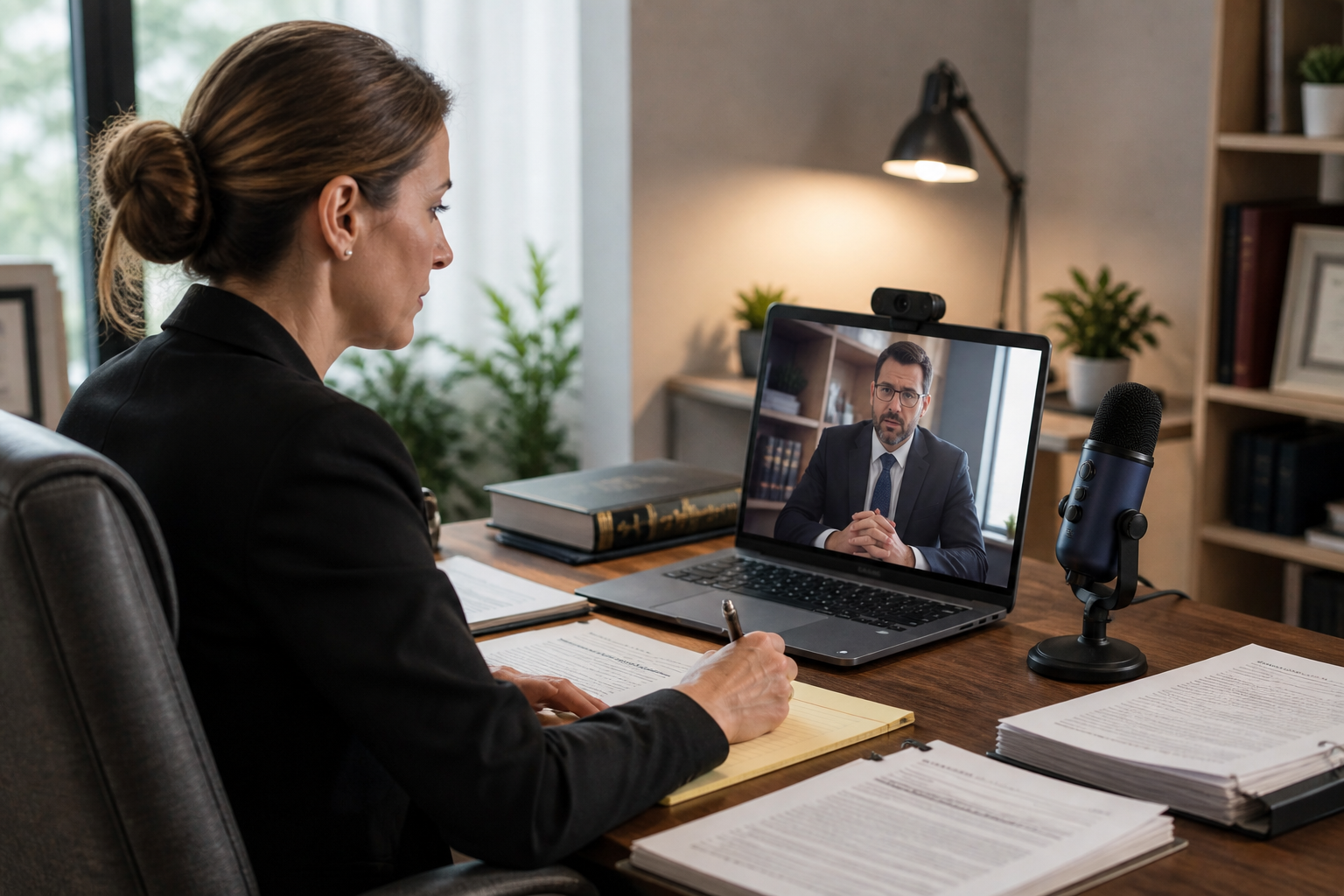
How to Prepare for a Remote Deposition in 2026: A Complete Checklist
Remote depositions are now a standard part of modern litigation. Legal teams across the country conduct depositions virtually every day. But virtual does not mean effortless. Technology issues, coordination gaps, and documentation errors can derail a session quickly.
Preparation is what separates a smooth deposition from a costly one. This blog gives you a complete remote deposition checklist for 2026 so your team walks into every session ready, organized, and professional.
Why Remote Depositions Require Careful Preparation in 2026
Remote legal proceedings have moved from exception to expectation. Courts, attorneys, and witnesses now rely on digital tools to conduct depositions across cities and time zones. That convenience comes with responsibility. Every participant needs to be coordinated before the session begins.
Technical failures mid-deposition create delays and can damage the record. Accuracy and professionalism must match what happens in a physical room. Careful preparation protects the integrity of the proceeding and keeps your case strategy on track.
Pre-Deposition Checklist: What to Do Before the Session
Strong preparation starts well before the deposition begins. Getting the basics right in advance prevents last-minute problems on the day of the session. Run through these steps before every remote deposition:
- Confirm the deposition date, time, and time zones with all parties
- Send secure access links to every participant well in advance
- Test your internet connection and identify backup options if it fails
- Ensure all devices are fully charged and ready to use
- Share exhibits with opposing counsel in advance when permitted
- Verify your court reporting service and videography setup are confirmed and ready
Technology Setup Checklist for a Smooth Remote Deposition
Technology is the backbone of every remote deposition. A single equipment failure can interrupt testimony and create transcript gaps. Check everything before the session starts.
Work through this setup checklist before you go live.
Essential Equipment Checklist
- High-quality microphone and camera that produce clear audio and video
- Stable internet connection with a wired option where possible
- A backup device or mobile hotspot ready in case your primary connection fails
- A quiet, distraction-free workspace with professional lighting and background
Platform and Software Checklist
- Confirm Zoom or your designated remote platform is installed and up to date
- Test screen sharing and recording features before the session begins
- Verify all tools are compatible with your court reporting and legal software
Communication and Coordination Checklist
Clear communication before the deposition prevents confusion during it. Every participant needs to know their role, their access, and their point of contact. Confirm these coordination steps before the session:
- Confirm all participant roles, names, and contact information in advance
- Share clear written instructions with every party before the deposition date
- Assign one person as the technical point of contact for any issues that arise
- Coordinate with interpreters in advance if language support is required
Exhibit Management Checklist for Remote Depositions
Managing exhibits remotely requires more planning than an in-person setting. Physical handoffs are not possible. Every document must be ready in digital form and accessible to all parties without delay.
Organize your digital exhibits well before the session. Label every file clearly with names, dates, and exhibit numbers so retrieval is instant. Share access securely with all parties before the deposition begins. During the session, be prepared to share documents on screen in real time.
A disorganized exhibit file during live testimony creates delays and looks unprofessional. Clean digital organization protects the record and keeps the proceeding moving forward.
During the Deposition Checklist: Best Practices
Once the session begins, focus and discipline matter as much as preparation. Keep this checklist in mind throughout:
- Log in at least ten minutes early to resolve any last-minute issues
- Maintain a professional appearance and a clean, quiet background throughout
- Speak clearly, pause between questions, and avoid interrupting other speakers
- Monitor audio and video quality continuously and address problems immediately
- Take real-time notes on key moments for later review and case preparation
Post-Deposition Checklist: What Happens Next
The work does not stop when the session ends. What you do immediately after a remote deposition determines how well your team uses the record going forward.
Complete these steps after every session:
- Confirm the transcript delivery timeline with your court reporting service
- Review transcripts carefully for accuracy as soon as they are delivered
- Access and download video recordings if legal videography was part of the service
- Organize all files in a secure repository sorted by case for easy retrieval
- Share finalized materials with your full legal team without delay
Common Mistakes to Avoid in Remote Depositions
Even experienced legal professionals make avoidable errors in remote settings. Knowing what goes wrong helps you prevent it. Watch out for these common mistakes:
- Poor internet connection that disrupts testimony and creates gaps in the record
- Lack of exhibit preparation that causes delays when documents need to be shared
- Ignoring audio quality issues that make transcription difficult and inaccurate
- Using unsecured platforms that put sensitive legal data at risk
- Failing to coordinate participants in advance, leading to confusion at the start of the session
Every Deposition Deserves This Level of Preparation
Preparation is what keeps remote depositions accurate, professional, and legally sound. Legal teams that follow a structured remote deposition checklist reduce errors, save time, and protect their case record.
CourtScribes supports every step of the process with AI-powered court reporting, remote appearances via Zoom, professional legal videography, and secure online access to all your transcripts and exhibits.
Your next deposition deserves the right support. Schedule with CourtScribes today.
 Toll-Free: 833-SCRIBES
 scheduling@courtscribes.com
billing@courtscribes.com