
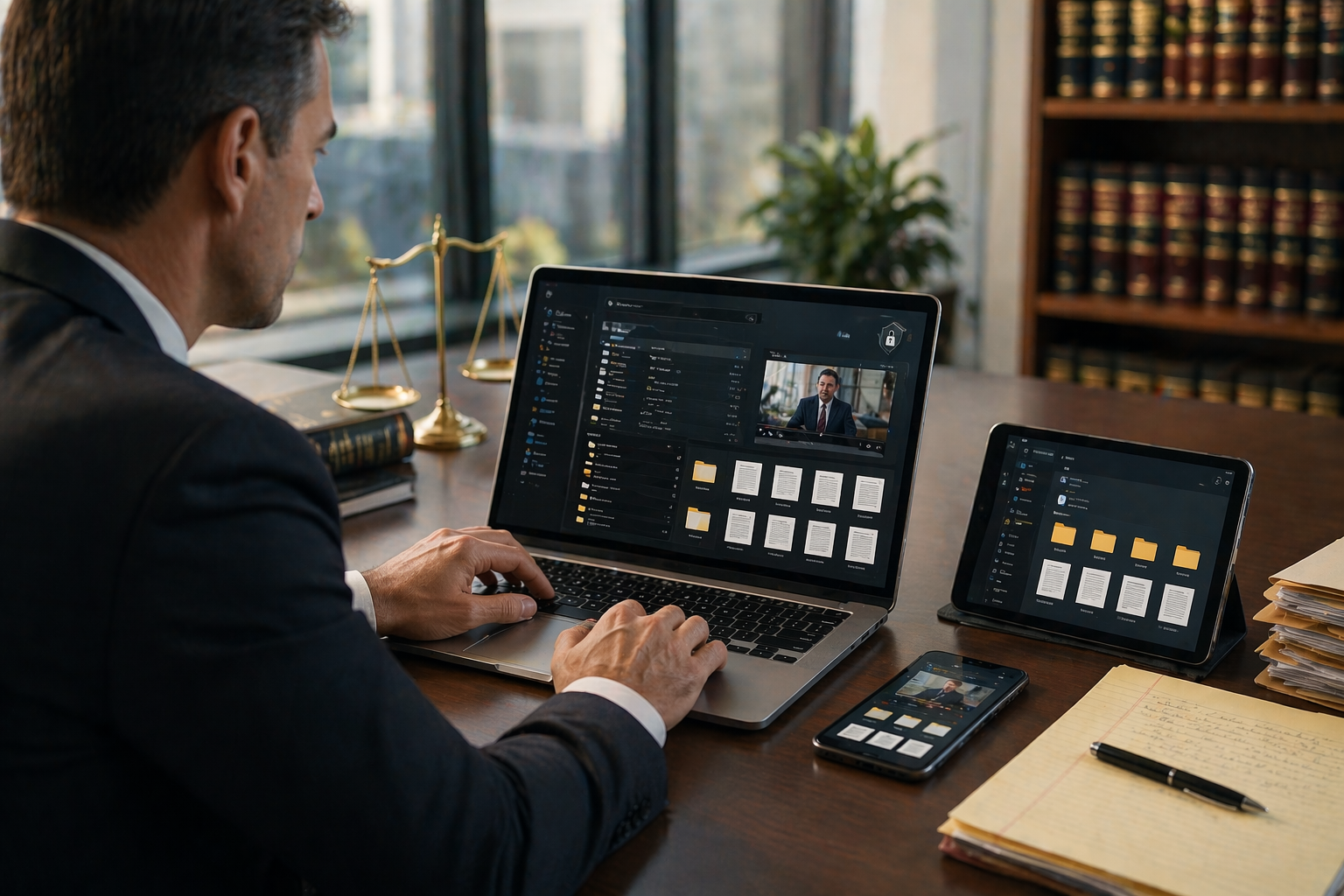
One Secure Legal Document Platform, Every File Your Case Needs
Scattered files cost legal teams time they cannot afford to lose. Exhibits get misplaced. Transcripts sit in different folders. Videos are stored separately from the records they support. These problems slow down case preparation and increase risk.
Modern litigation involves transcripts, video recordings, digital exhibits, and supporting documents all at once. Managing them across multiple locations creates confusion and delays.
A secure legal document platform solves this directly. It brings every file type into one organized, protected space. Legal teams access what they need quickly and from anywhere.
In this blog, you will learn what to look for, how to manage files step by step, and how the right platform changes how your team works.
Why Managing Legal Files Efficiently Matters More in 2026
Remote depositions and virtual hearings are now everyday practice. Digital evidence is more common and more complex than ever before. Legal teams handle more file types across more locations simultaneously. Disorganized documentation creates real risk in this environment. A missed exhibit or delayed transcript can directly affect case outcomes.
Common Challenges Law Firms Face
Many firms still struggle with the same recurring problems:
- Misplaced transcripts that slow down preparation at the worst possible time
- Version confusion when multiple team members work from different copies of the same document
- Delayed collaboration caused by files stored across email threads, drives, and local folders
- Security risks from unprotected storage and uncontrolled access to sensitive case data
What Is a Secure Legal Document Platform?
A secure legal document platform is a centralized digital system that stores transcripts, exhibits, and videos in one protected location. Legal teams access all case files from any device with controlled permissions and encryption, keeping sensitive data organized and safe.
Key Features to Look for in a Secure Legal Document Platform
Not every document platform is built for the demands of legal work. The right secure legal document platform includes specific features that protect your files and support your team. Here is what matters most when evaluating your options.
Centralized Case File Management
Every file related to a case should live in one place. Transcripts, exhibits, and videos must be stored together and organized by case from the start. Centralized management eliminates the search across multiple drives and email threads. Legal teams spend less time hunting for files and more time building their case.
Advanced Search and Easy Retrieval
Finding the right document at the right moment is critical. A quality secure legal document platform supports keyword search across all stored files. Attorneys can locate testimony, exhibit references, or case notes in seconds. Fast retrieval keeps preparation moving and reduces the risk of missing key details before a deadline.
Secure Access and Data Protection
Legal files contain some of the most sensitive information in existence. Strong encryption and user permission controls are non-negotiable. A reliable platform restricts access to authorized team members only. Every file transfer and login must be protected. Security is not a feature. It is a foundation that every secure legal document platform must be built on.
Remote Accessibility for Legal Teams
Legal teams work across offices, courtrooms, and home offices every day. A strong platform provides full access via phone, tablet, or desktop from any location. Attorneys review transcripts before a morning hearing. Paralegals retrieve exhibits during trial preparation. Remote accessibility keeps every team member connected to the case in real time.
Integration with Video and Transcripts
Video testimony without transcript sync is only half the picture. The best platforms connect video recordings directly to corresponding transcript lines. Attorneys click a line and see the exact moment on screen. This integration strengthens cross-examination prep and makes trial presentations far more effective.
How to Manage Transcripts, Exhibits, and Videos Step by Step
A secure legal document platform only delivers its full value when your team uses it consistently and correctly. The process is straightforward. These five steps will help your firm manage every file type with confidence.
Step 1: Upload and Organize Files by Case
Start every case with a clean, structured folder. Upload transcripts, exhibits, and videos immediately after each proceeding. Organize files under the case name from day one. A consistent structure prevents confusion as the case grows and more documents are added over time.
Step 2: Tag and Label for Easy Search
Raw file names are not enough. Tag every document with relevant keywords, dates, witness names, and exhibit numbers. Clear labels make search fast and accurate. Your team finds the right file on the first try instead of sorting through dozens of similar documents under time pressure.
Step 3: Sync Video with Transcripts
Connect video recordings to their matching transcript lines as soon as files are uploaded. This synchronization transforms how your team reviews deposition testimony. Attorneys see the words and the moment together. Preparation for cross-examination becomes sharper and more targeted when both elements are aligned.
Step 4: Set Access Permissions
Not everyone on the team needs access to every file. Set clear user permissions based on role and case assignment. Attorneys, paralegals, and co-counsel get access to what they need. Sensitive data stays protected from unauthorized viewing. Permission controls are one of the most important features of any secure legal document platform.
Step 5: Access Files Anytime, Anywhere
Once files are uploaded, tagged, and organized, your entire team can work from anywhere. Review transcripts before a hearing. Pull exhibits during preparation. Share access with co-counsel across different offices. Remote access keeps the whole team aligned and ready no matter where the work happens.
Benefits of Using One Secure Platform for Legal Files
Consolidating all case files into a single secure legal document platform delivers measurable advantages for every legal team. Here is what firms gain immediately:
- Faster case preparation with instant access to all transcripts, exhibits, and videos
- Reduced risk of lost evidence through organized, centralized storage
- Better collaboration among attorneys, paralegals, and co-counsel across locations
- Improved accuracy and organization with structured folders and clear labeling
- Time savings on file retrieval through keyword search and smart tagging
- Stronger case strategy when video and transcript sync reveals testimony in full context
- Support for remote litigation across depositions, hearings, and trial preparation
- Protected sensitive data through encryption and controlled access permissions
How CourtScribes Simplifies Legal File Management
CourtScribes gives legal teams a private online repository built specifically for case documentation. Every transcript, exhibit, and video is stored in one secure location. Files are organized by case so your team finds exactly what they need without searching through unrelated documents.
Access is available from any device at any time. Phone, tablet, or desktop all work seamlessly. The platform is secure and straightforward to use. CourtScribes removes the complexity from legal file management and replaces it with a clean, organized system that supports your team at every stage of litigation.
Stop Letting Disorganized Files Slow Your Cases Down
Organization and security are no longer optional in modern legal practice. A secure legal document platform gives your team the structure, speed, and protection every case demands.
CourtScribes delivers exactly that. One platform. Every file. Complete security. Schedule with CourtScribes today and take control of your legal documentation workflow.
 Toll-Free: 833-SCRIBES
 scheduling@courtscribes.com
billing@courtscribes.com